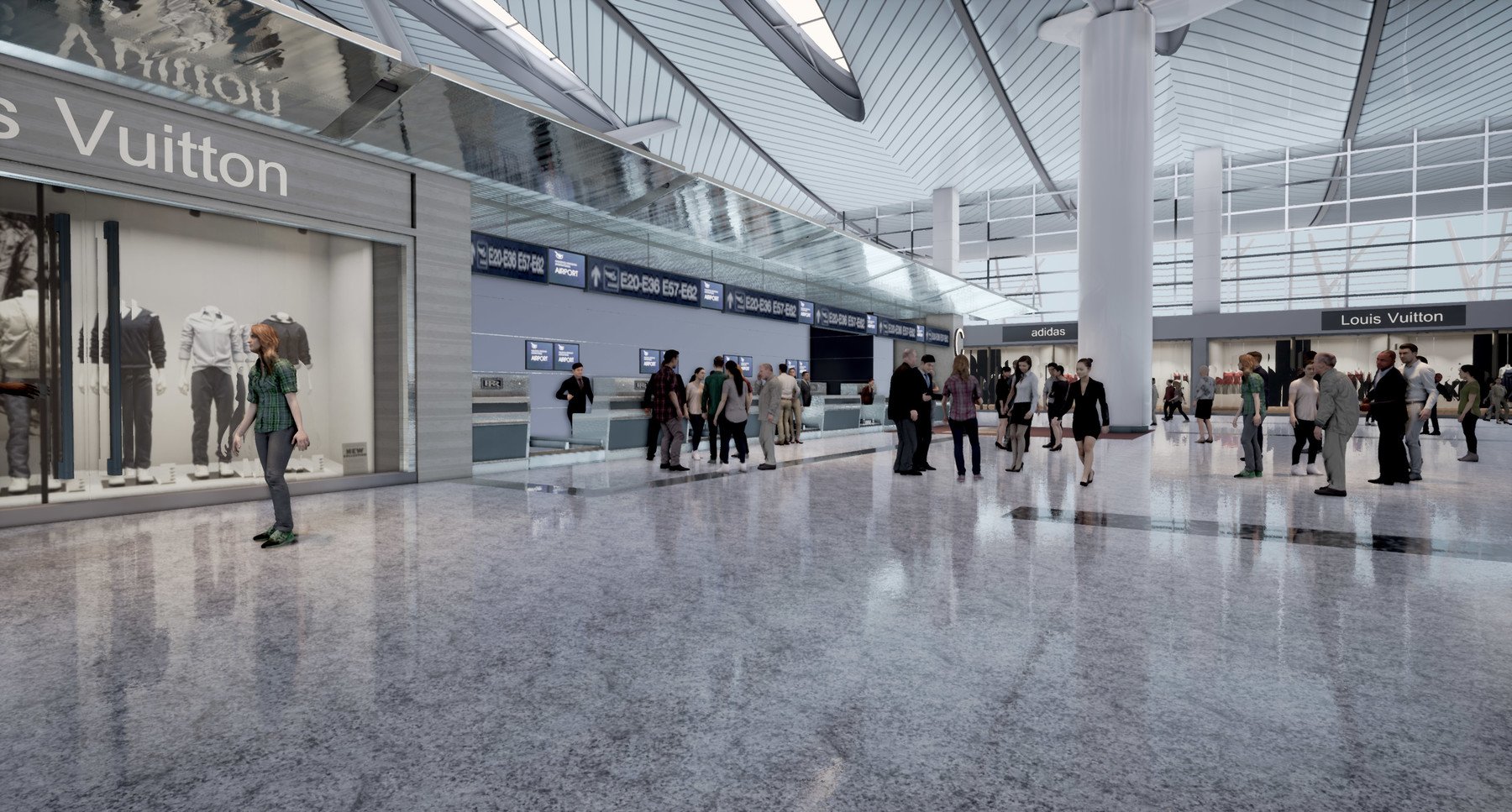
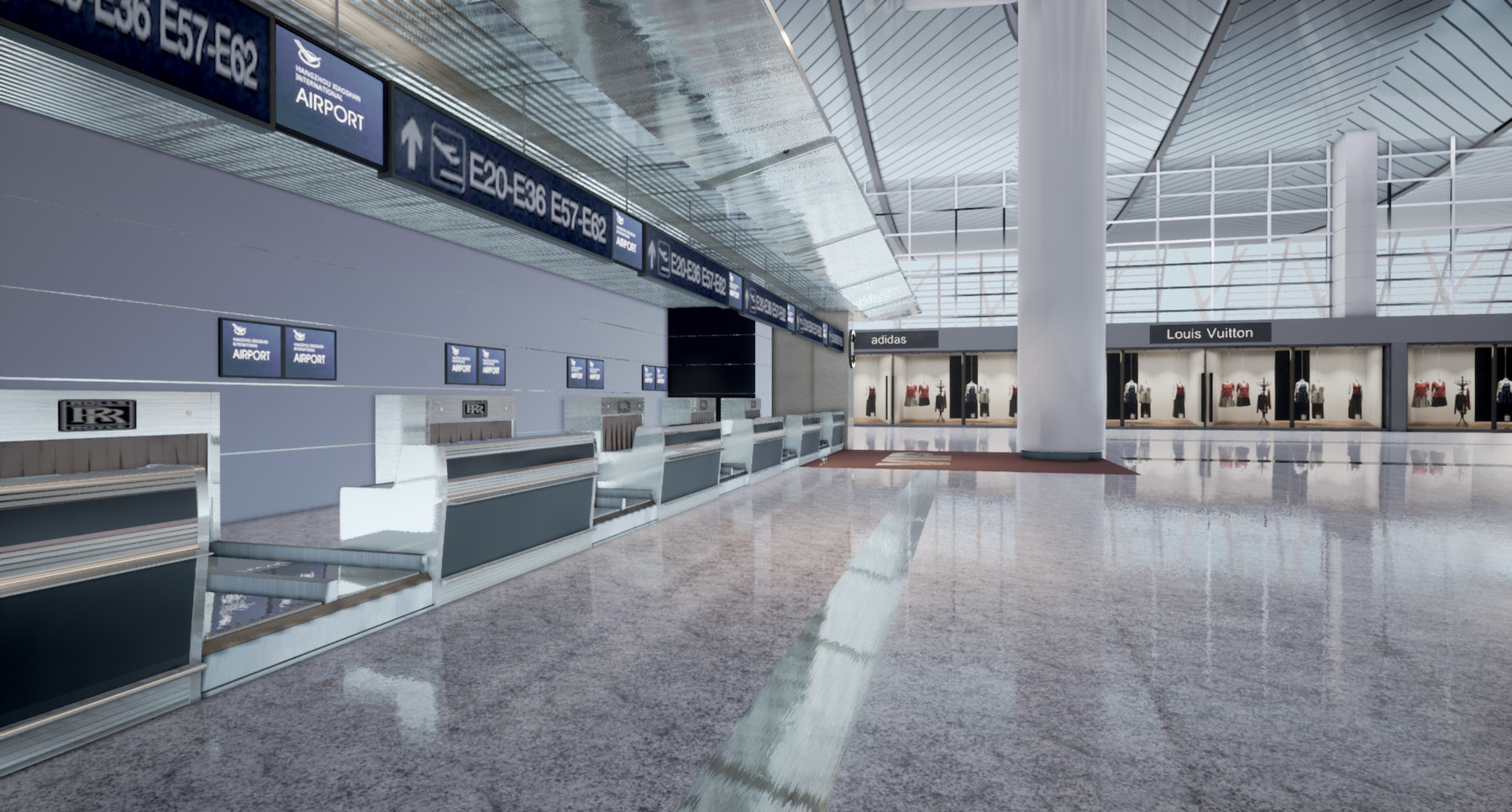
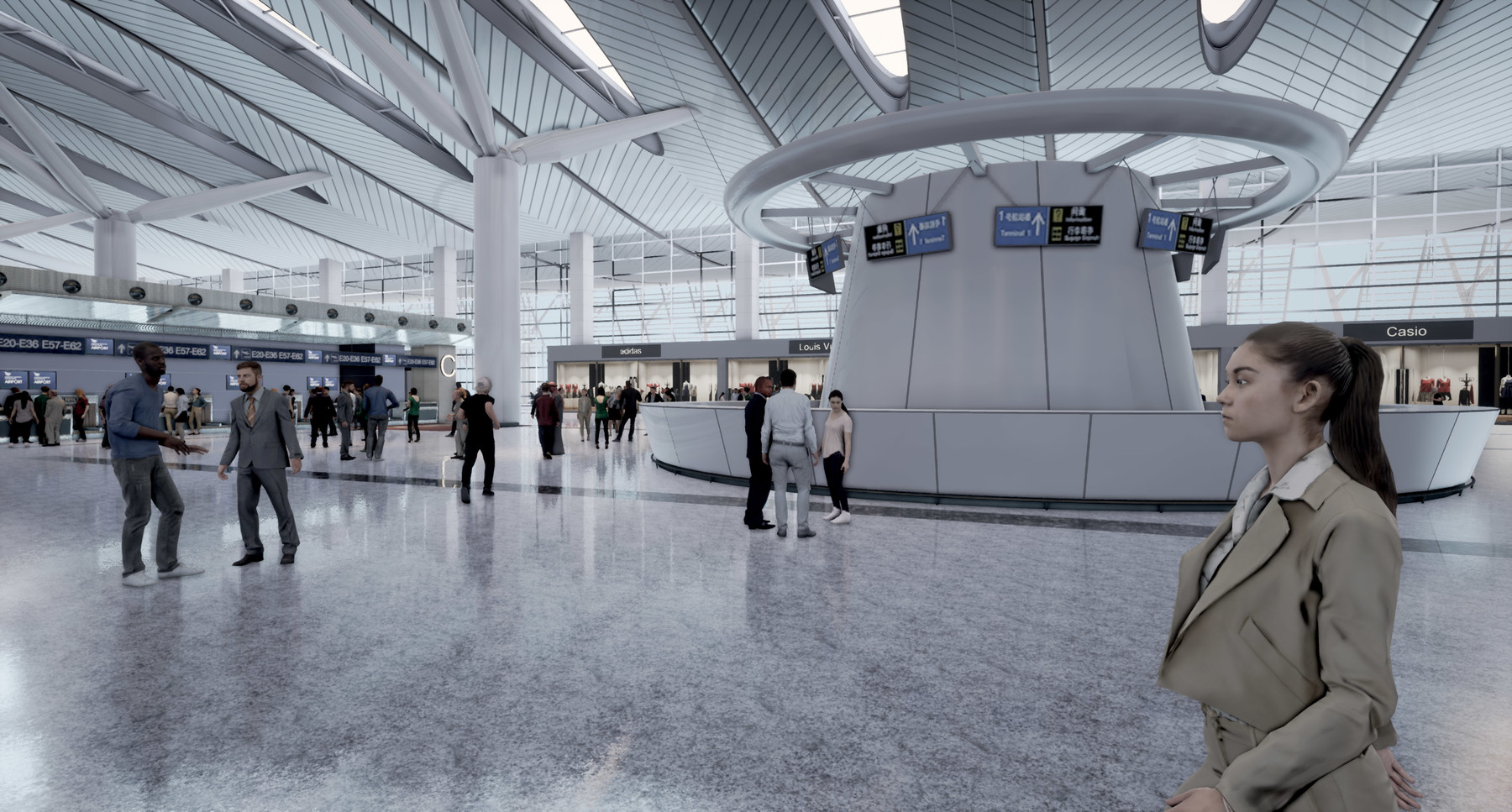
Airport terminal VR in UE4

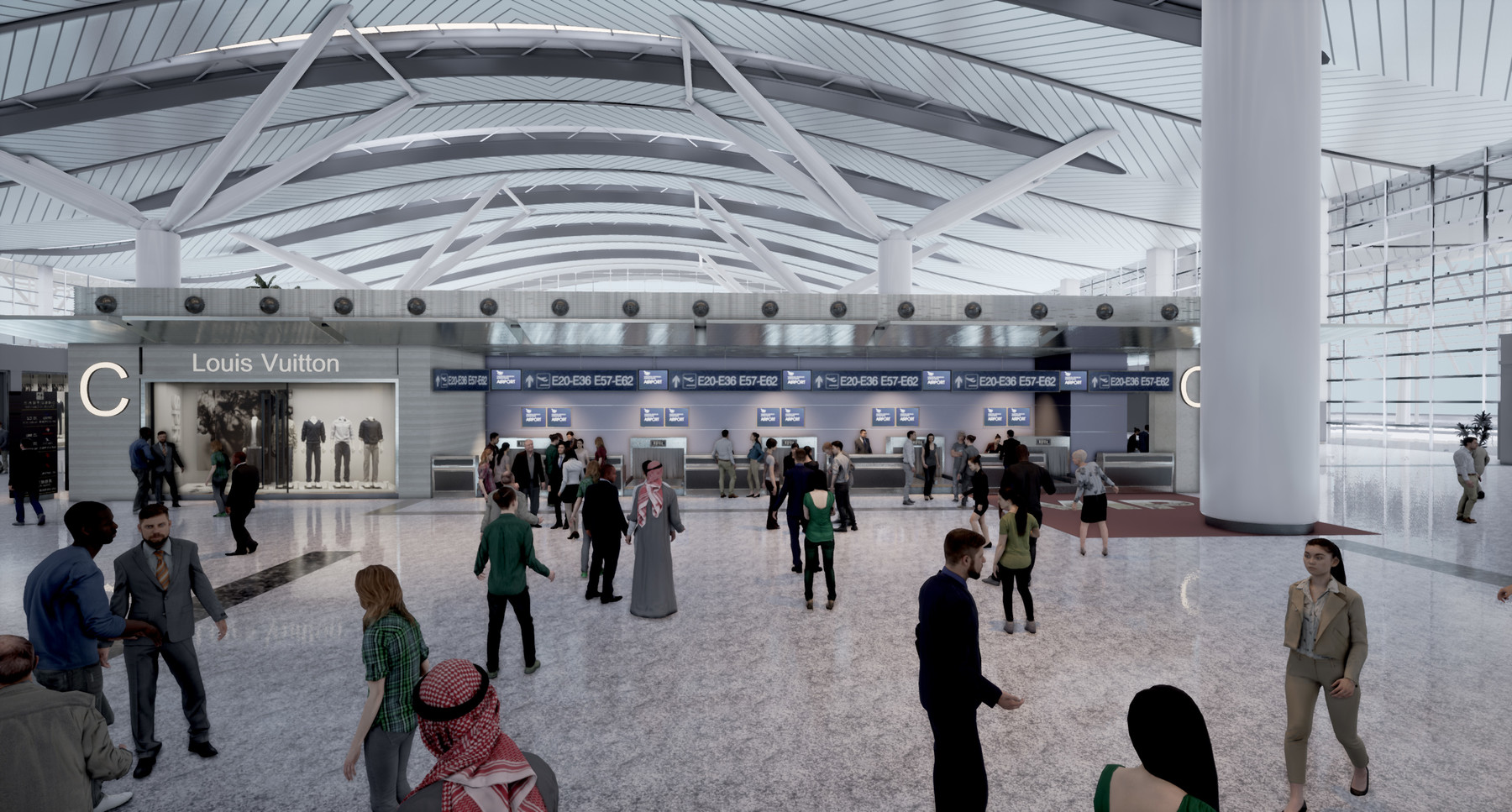
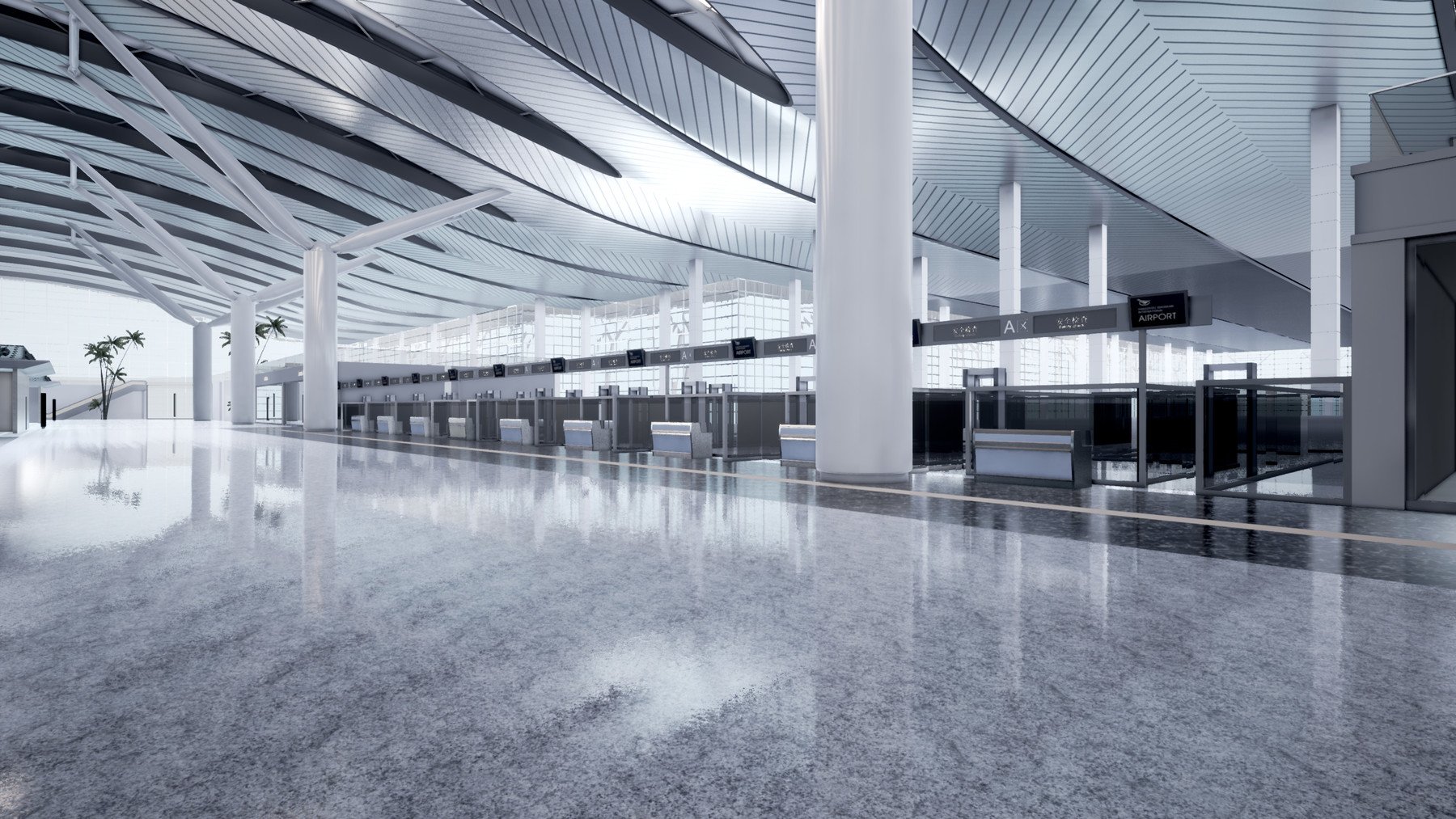


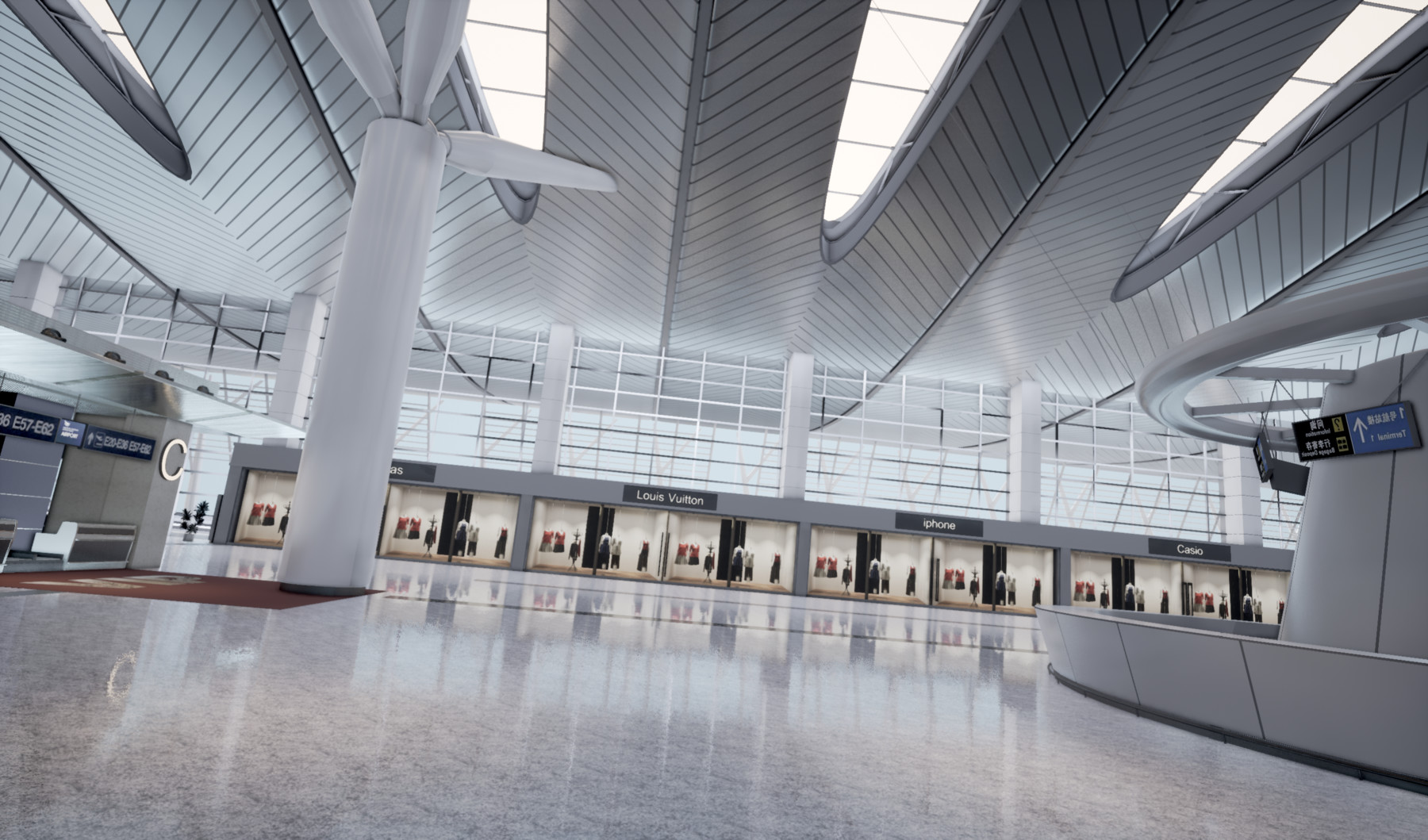
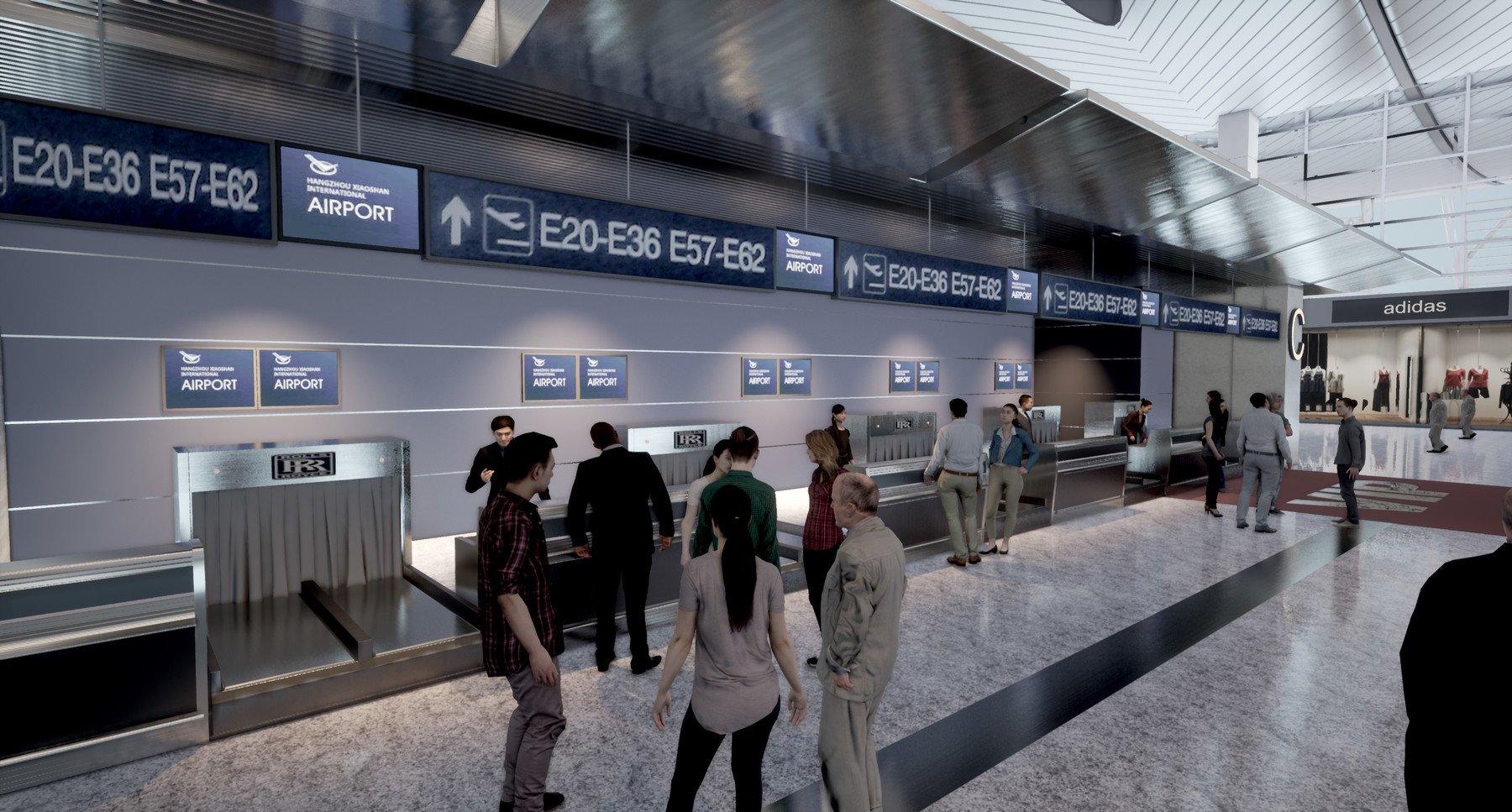
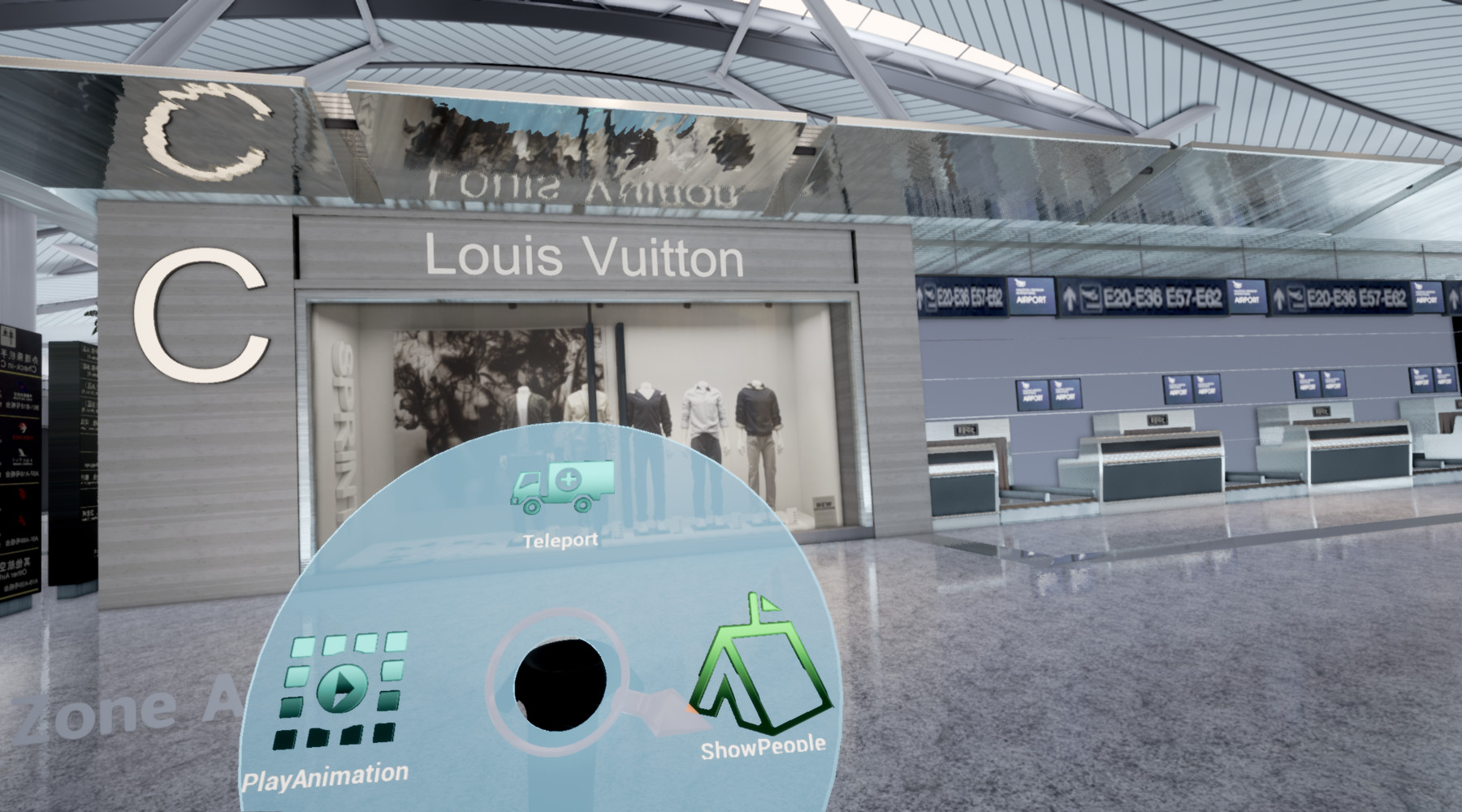

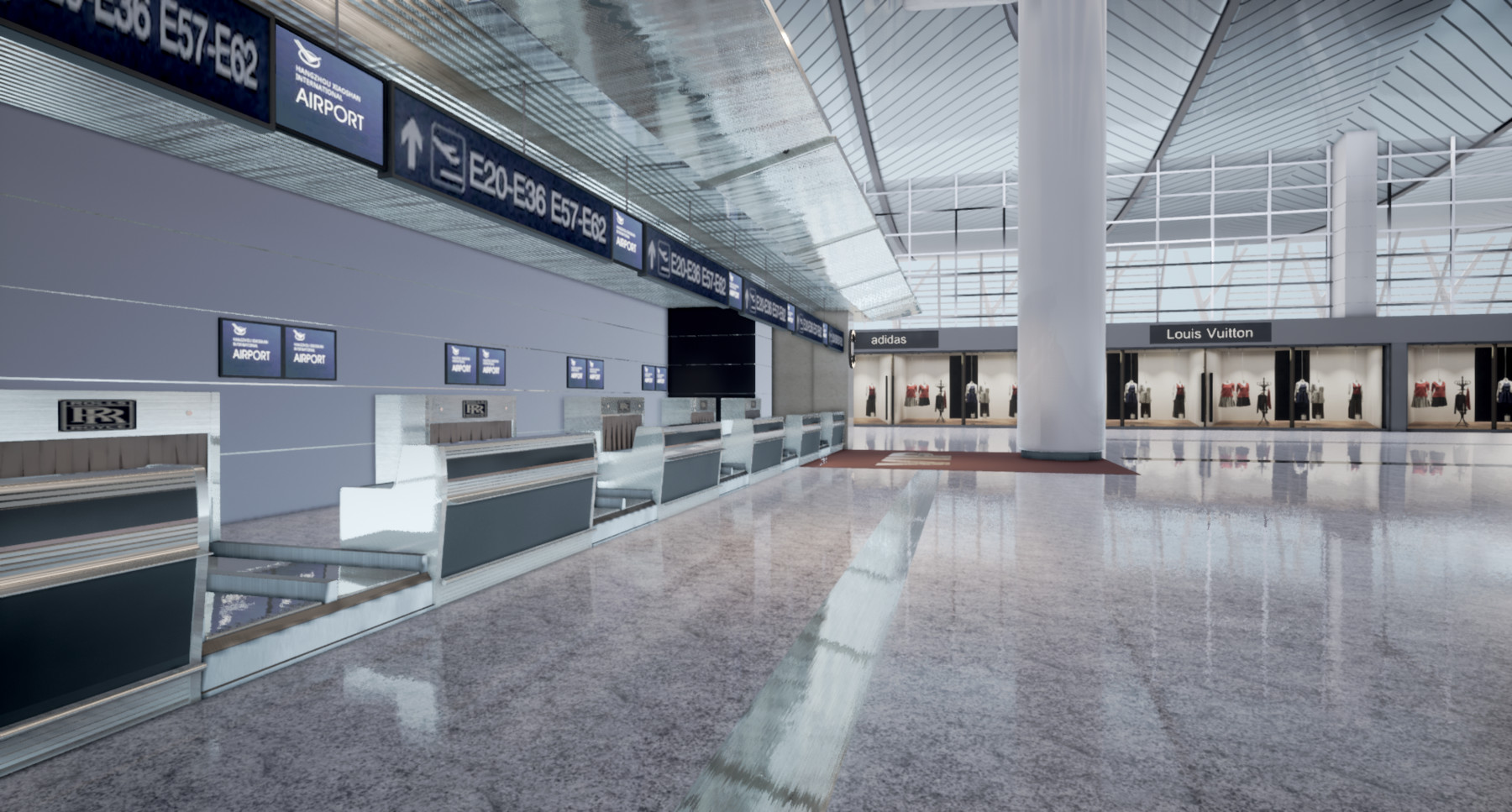
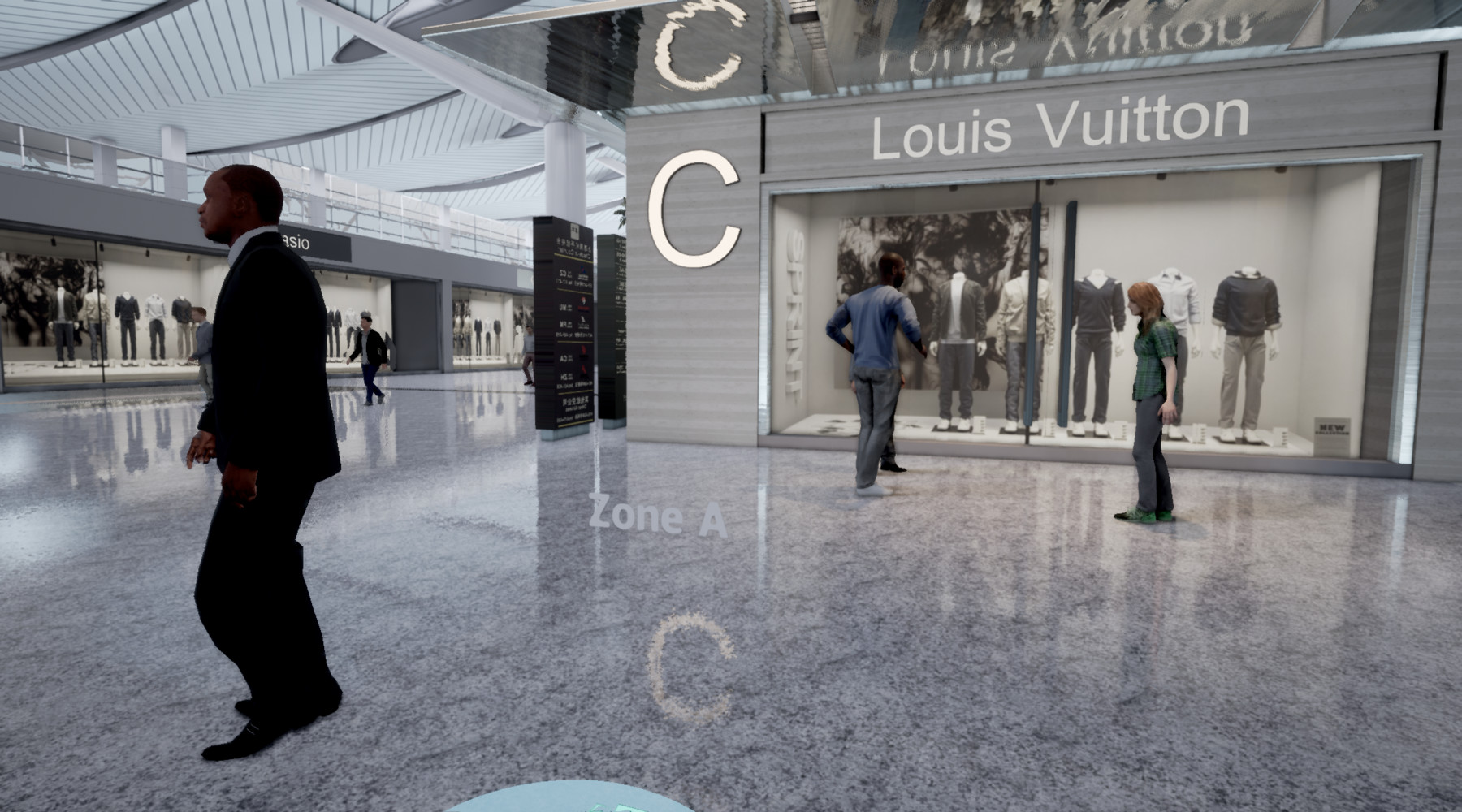
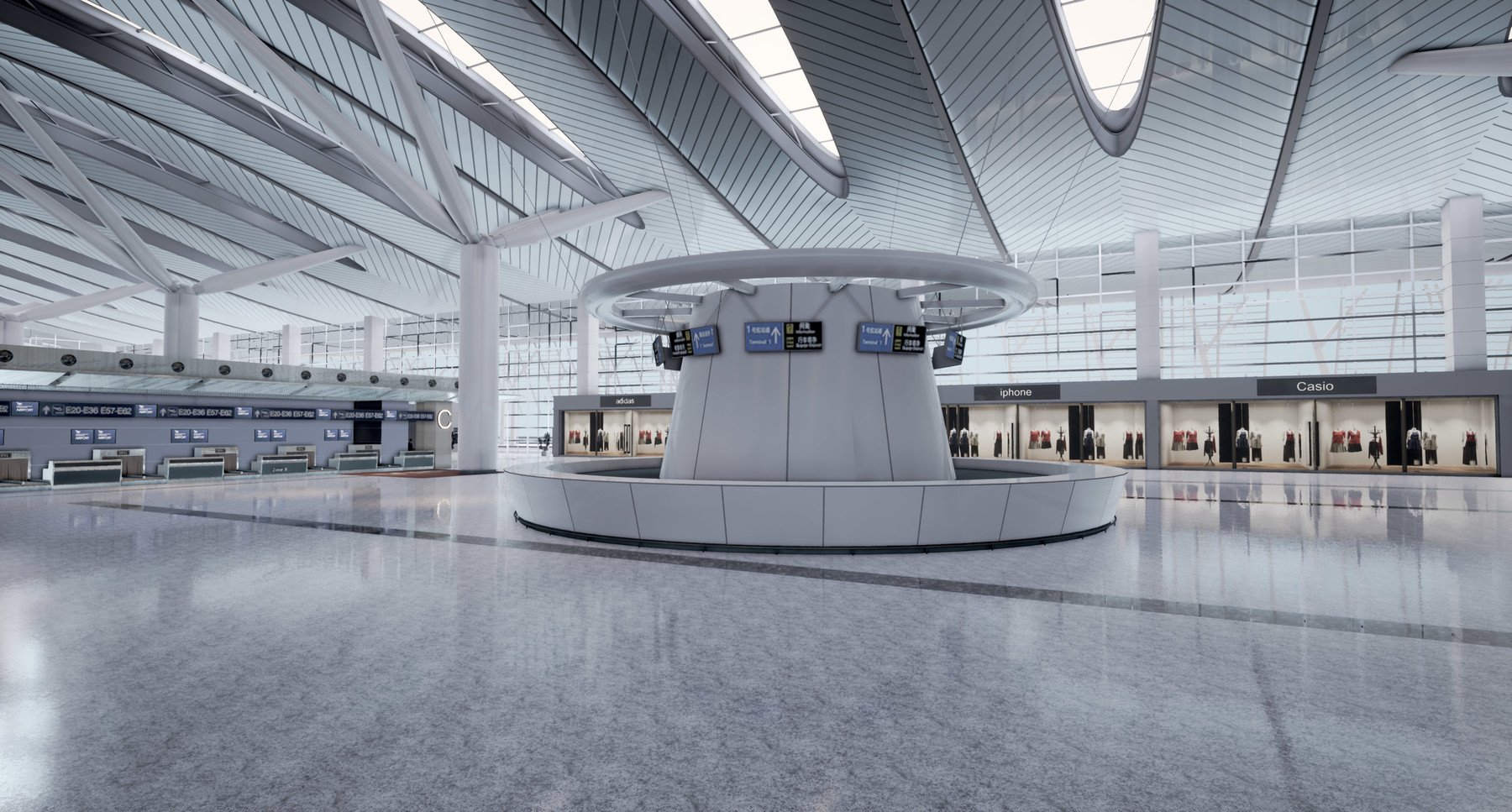
####next version 1.12 was separate different versions for VR & normal version ####
normal version: only airport scene (standard personal )
VR version: VR funtion +airport scene and people (Commercial License Use )
The Airport is my recent personal project for research .
You can play it in VR mode with Oculus Rift or Htc Vive
Hope you enjoy it!
note:
You will get a full scene of unreal engine project that I use with unreal engine 4.19 . so you need Unreal engine 4.19 or above .
You will get all assets in this project as you can see in the movies in my profile. check this link:
https://www.artstation.com/artwork/4ZX6q
good luck
Walktrough :
Info:
Features:
- Basic VR menu for Switching walking people .
- Camera Animation .
Texture Size :512 to 2048
Collision:Yes,for main walls and floor.
LOD : YES
You need install substance plugin for your unreal engine first!
If you need package , must install Visual Studio 2015 first!
Q&A:
Q1:
the circle menu not appear in the correct way it appears in floor and i can't
control in a proper way .
A1:
first thing is not use press your trackpad (thumbStick), vive need use trigger to teleport!
so put your finger slowly on your trackpad and "not push or press" , you can see teleport circle on your floor, now press trigger you can teleport !
and use vr preview on unreal engine top button , find it there had a nav mesh , you can change your teleport area!
https://i.imgur.com/dakrUng.png
https://i.imgur.com/7kkf6kX.png
https://i.imgur.com/QKZs2F0.png
Q2:
"The following levels are hidden:
/game/people_airport/people_airport
These levels will not be rebuilt. Leaving them hidden may invalidate what is built in other levels .
A2:
some screenshot you can follow !
show people:
https://i.imgur.com/fjgqJDb.png
https://i.imgur.com/87II4NQ.png


change pawn:
https://i.imgur.com/yRLddBG.png
floor reflection problem:
https://i.imgur.com/Bf0HseL.png
https://i.imgur.com/K5jMaJK.png


Release Notes
1.14
Edit VR executable Demo version in Commercial License Use.
1.15
Add 4.23 scene version